

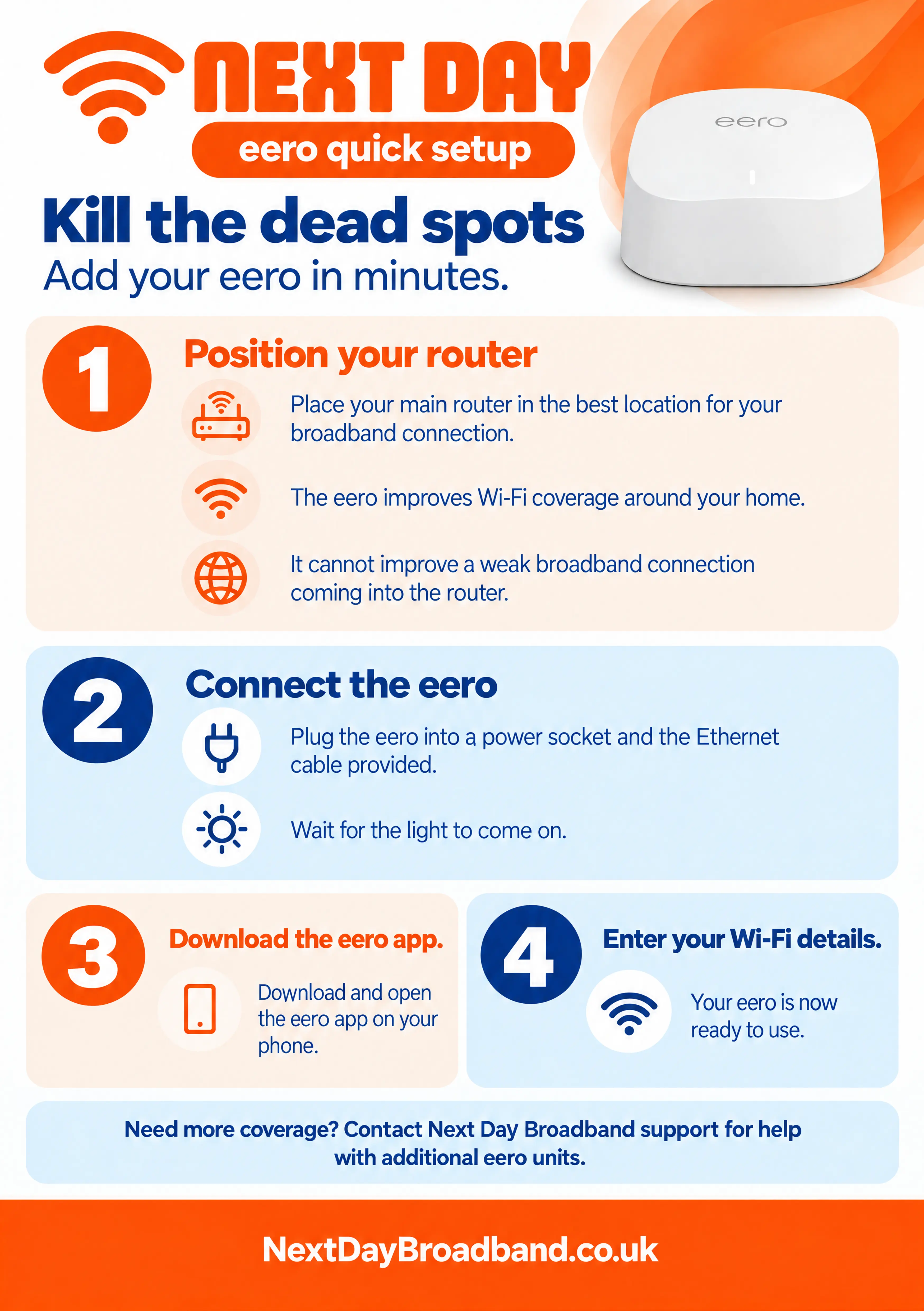
Set up your eero 1. Position your main router Place your main router where it gets the best broadband connection. Your eero can improve Wi-Fi coverage around your home, but it cannot improve a weak connection coming into the router. 2. Connect your eero Plug your eero into a power socket and connect the supplied Ethernet cable. Wait for its light to come on. 3. Open the eero app Download and open the eero app on your phone. Follow the instructions in the app to enter your Wi-Fi details and complete setup. Need more coverage? Contact Next Day Broadband support for help with additional eero units.
Back to Support Centre
Everyday Broadband+
Set up your eero
Add your eero to improve Wi-Fi coverage around your home.
Related Articles
Separate 2.4GHz & 5GHz Instructions
Learn how to split your routers 2.4GHz and 5GHz Wi-Fi bands into seperate network names, so you can choose which one your device connects too.
Get back online if your internet stops working
Follow these checks for power, Wi-Fi and network signal if your internet stops working.
Everyday Broadband+
Get support with your Everyday Broadband+ service, from setup and connection to troubleshooting common issues.
Still have questions?
Can't find what you're looking for? Our support team is here to help.